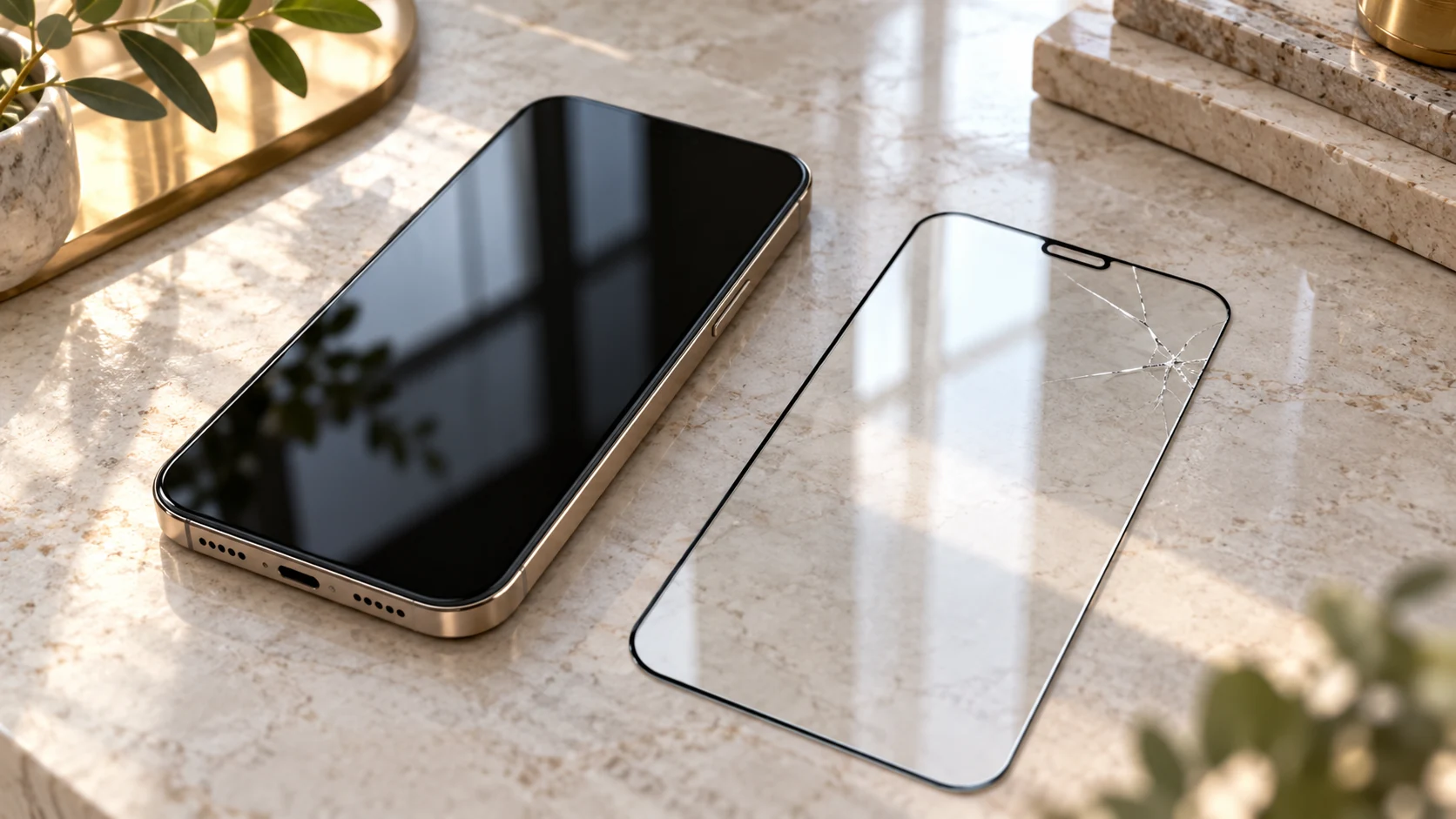
Which layer do you mean?
“Broken display” can describe several different things. An added screen protector is an accessory. It sits above the phone’s own screen surface, with further layers for picture and touch depending on the model. This brief explanation is not a disassembly guide. The actual construction and available repair options depend on the device. A separately purchased protector and the display assembly are therefore different items, rather than interchangeable descriptions of one part.
For an initial enquiry, it helps to know whether an additional protector was fitted and when. If you do not know, say so. You do not have to decide for yourself which layer contains the crack. A visible edge may suggest an accessory, but does not prove damage is limited to it. On a folding device, an existing protective layer is particularly unsuitable for an exploratory removal attempt. Follow the instructions for the exact model and manufacturer.
Can I identify the damage without peeling anything off?
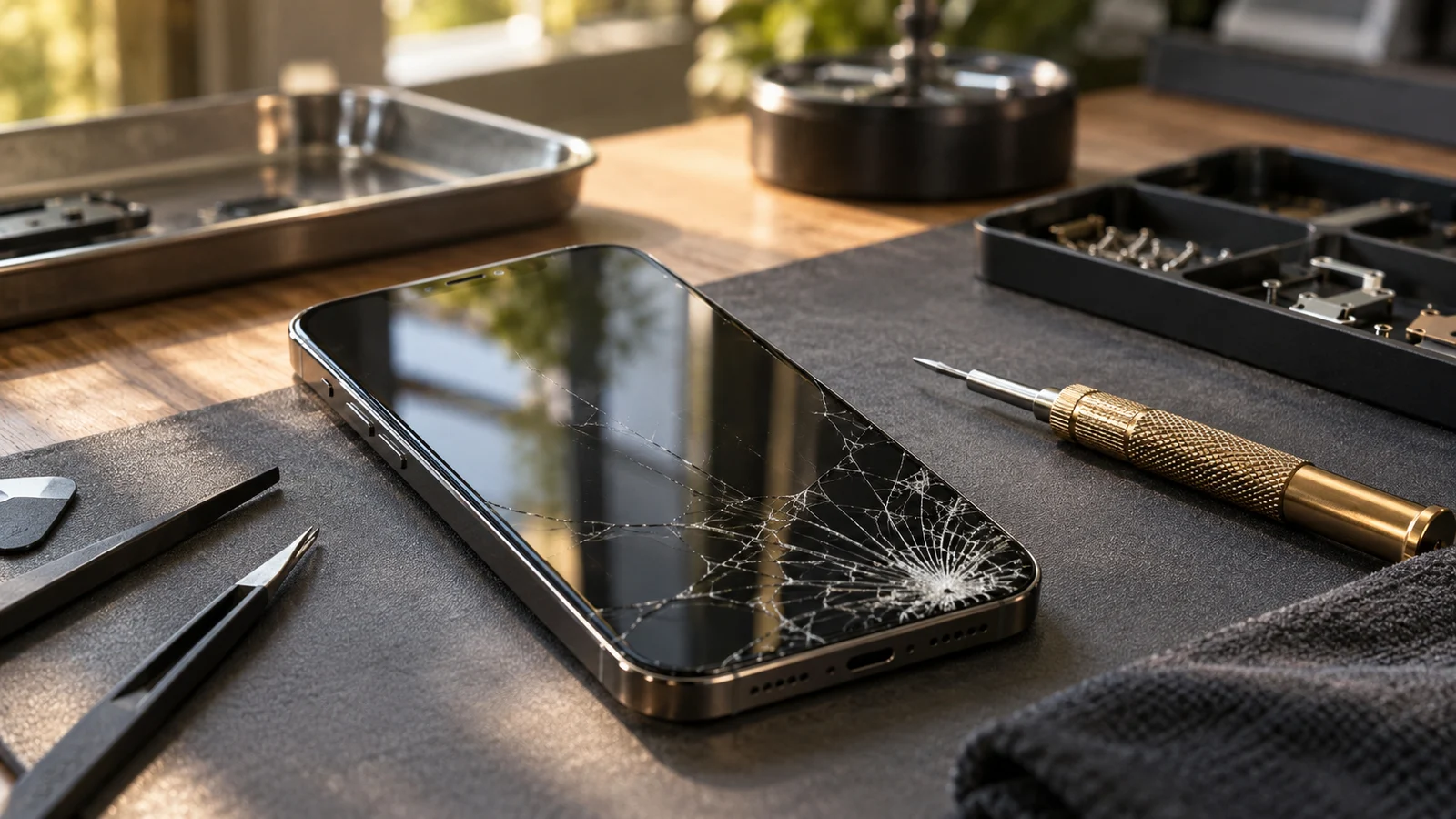
Only look from outside, without pressing, scratching or bending. Note where the crack appears, whether fragments protrude and whether the picture or operation changed after the incident. Do not run a finger across sharp edges to judge how deep they are. An external photograph may help an enquiry if it does not reveal private content. Any remote assessment from an image remains limited, particularly when several layers overlap.
Do not peel off a shattered protector to inspect underneath. It can cause injury and is not required for an initial discussion. An intact picture does not by itself establish that continued use is safe. Stop operating the phone if there are sharp edges or loose glass, and ask about safe handling. There is no universal home test here that can reliably confirm the damaged layer and required work without an examination of the actual device.
What do lines, dark areas and touch problems tell me?
Describe the picture and touch separately. Are there coloured lines, black areas, flickering or no image at all? Does an area fail to respond, register touches incorrectly or trigger input without an intended touch? Samsung describes spots and lines among possible display problems after impact. These observations are useful clues; they do not establish which replacement component an individual device requires.
Record whether the problem followed a fall or occurs without any visible crack. Unbroken outer glass does not rule out a picture problem. Equally, a crack alone does not establish that a complete display replacement is necessary. Avoid pressure tests and unnecessary repetition of troublesome touches. If operation is unreliable, avoid sensitive actions such as banking or entering passwords. The next decision should rest on assessment of the phone, rather than the resemblance of its crack to an image found online.
When should I stop using the phone?
Sharp or loose glass, unusual heating and a lifting display should be discussed before trying further functions. Do not press a gap closed. A raised panel is not automatically just a poorly fitted protector. Google’s Pixel safety guidance describes risks associated with damaged devices and improper repair. Do not open a damaged phone or try to glue layers down to make it temporarily usable again.
If it can still be operated safely without concerning damage, an existing backup can be checked. Where there are hazardous signs, safe handling takes priority. A backup is not a reason to type across broken glass or keep charging a distorted device. Ask how to handle its particular condition before visiting. Do not assume water resistance remains unchanged following damage or work on a phone. A general article cannot establish the condition of its seals or provide a safety clearance for your device.
Is a new protector enough, or is a repair needed?
There is no universal answer. A new accessory needs a suitable underlying surface and the correct version. A protector does not repair a damaged display or remove picture and touch faults. Ask whether assessment should come first and which observations it should resolve. Have the proposed action explained instead of using an accessory price to estimate the cost of a repair. These are different purchases with different possible requirements.
Apple and Google mention accessories and other simple checks for certain screen problems. With broken glass, that is not an instruction to remove a protector yourself. Ask about compatibility with your model, possible limitations and the scope actually available. This guide confirms neither fitting services, protectors in stock, particular replacement components nor repairability of every phone. A clearly agreed proposal forms the basis of a repair commission. This general guidance only helps you prepare the questions that should come before it.
What should I prepare for an enquiry in Munich?
Note the manufacturer and model, existing accessories, the incident, visible condition and picture and touch symptoms. Mention previous repairs if known. “Crack after a fall, picture unchanged, touch not tested further” is a useful starting description. It provides more actionable detail than an unverified claim that it is “only the protector”. Keep uncertainty explicit instead of completing the description with guesses about parts you cannot see.
For City Mobile & Gold Al Fahad, Landwehrstraße 4, 80336 Munich, use contact and directions to ask about options for your model. The accessory overview shows general topics. Our repair guide covers service scope, personal data and specific repair proposals. If charging trouble occurs too, the charging guide explains safe limits and useful observations. Mention accompanying symptoms before deciding that a protector replacement alone is the appropriate next step.
Common questions
Does working touch prove only the protector is cracked?
No. Picture and touch provide clues but cannot rule out underlying damage.
Should I peel off shattered protective glass myself?
This guide does not recommend it. Loose fragments and sharp edges can injure; seek advice on safe handling.
Can a new protector fix black spots?
A protector does not fix a picture fault. The cause and possible action need assessment on the actual phone.
Sources & context
Manufacturer and specialist sources checked on 25 October 2026. Editorial demo guide, not a documented customer repair or a shop-confirmed procedure. Confirm specific offers and processes with the business.