What needs to be ready before changing phones?
Make a short list of essential content and access: photographs, contacts, messages, local files and important apps. Check that you can unlock the old device and access your own accounts and recovery methods. Google’s Android switching guidance includes charged devices, access to the unlock method, backup and Wi-Fi. Allow time without an immediate deadline for handing over the old handset.
Check how much content needs moving and how much space the destination device offers. A similar storage label on the box does not mean all of that space is free. Keep an existing backup route until you have checked the result. Do not publish passwords, verification codes or screenshots containing private account information for a general enquiry.
Which transfer method suits my devices?
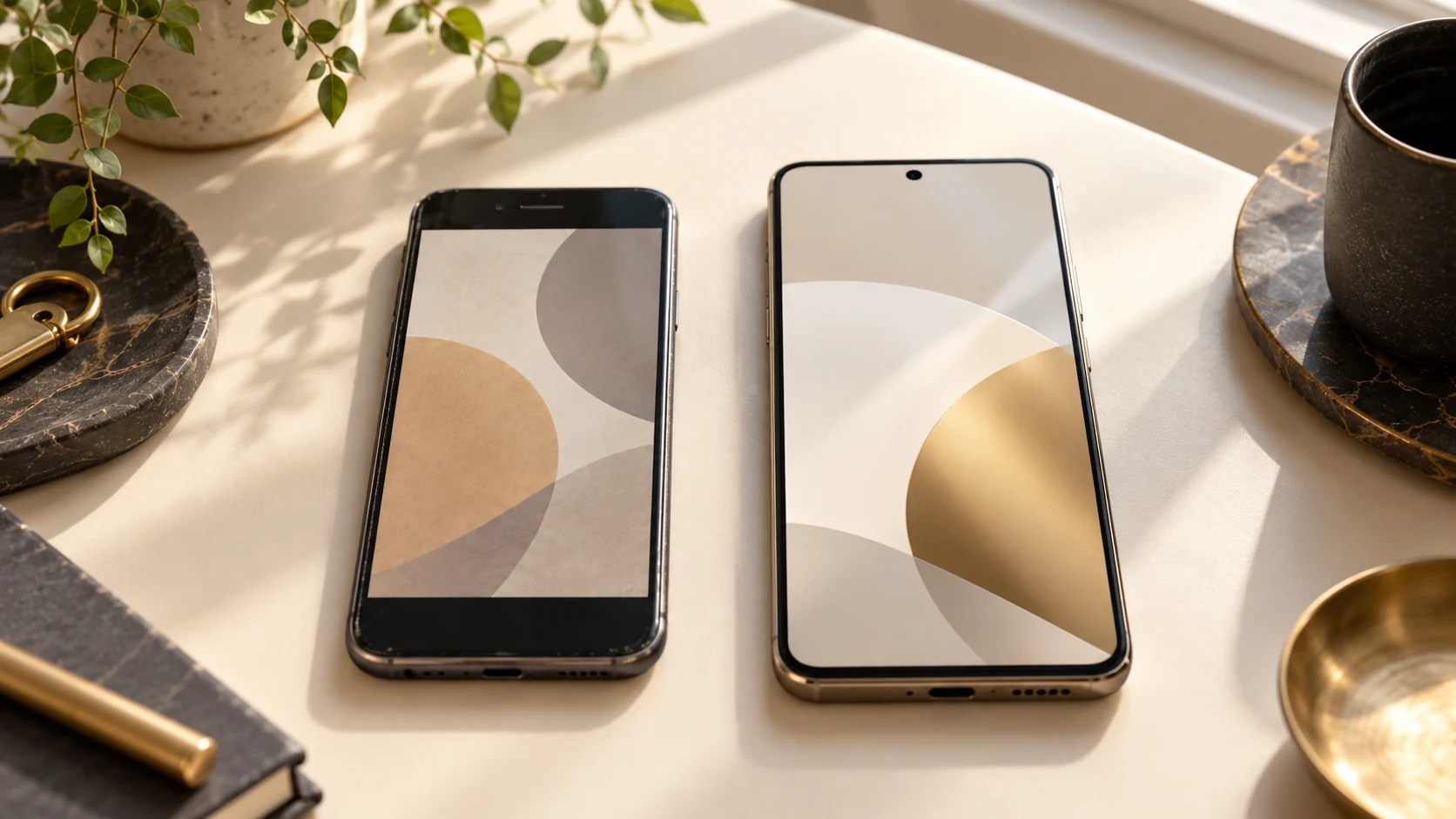
Distinguish moving within one system from changing between Android and iPhone. For a new iPhone, Apple describes Quick Start and the choice of transfer or restoration. The available options depend on the devices and software. Follow the current on-screen instructions rather than expecting one fixed sequence for every model.
For Android to iPhone, Apple provides a separate switching guide. It distinguishes supported methods and includes having enough space on the destination device. Check the appropriate route before starting setup. If the new phone already contains personal content, erasing and starting again is not a casual troubleshooting step: preserve that content and clarify a suitable alternative first.
Why is “transfer complete” not the final check?
A successful completion message begins the verification rather than replacing it. Open a selection of important photographs, contacts, messages and files on the new phone. Deliberately look for something outside the usual photo view, such as a locally stored document. A visible app icon does not establish that sign-in, local content and permissions already work as intended.
Distinguish copying, synchronisation and downloading again. Not every app or file type follows the same route. Apple’s Android switching instructions identify content that needs separate handling. Record exactly what is missing instead of immediately resetting the old handset. If a service is unavailable, resolve its sign-in or transfer process before removing your previous means of access.
What about banking, authenticator apps and my number?
Plan important accounts individually. For banking, authenticators, work apps and messaging, check the relevant provider’s instructions. A general device migration is not a promise that every app will work without further approval. Keep your own recovery routes available and enter codes yourself only in the appropriate official processes.
The phone number and copied content are two separate checks. Ask your mobile carrier how the SIM or eSIM moves to the new device. Then test the communication methods you need. For an important sign-in, do not rely solely on seeing your contacts. If the phone is a managed work device, the responsible organisation needs to confirm its setup requirements.
What should wait until the checks are successful?
Keep the old device available until you have checked the result. Google advises erasing only after confirming the data was copied to the new phone. If you later want to hand it over, account removal, erasure and handover form a separate process. See our preparation guide for selling a phone in Munich. A device migration is not automatically permission to proceed with a sale.
If you are still looking for a handset, use the used-phone checklist to consider model and condition. For an enquiry at City Mobile & Gold Al Fahad in Munich, name both models and the specific question. The shop must confirm whether it offers assistance for that case. This guide does not promise a transfer service or recovery of missing content.
Common questions
Can I erase the old phone as soon as copying finishes?
Only after checking important content and account access. A completion message alone does not replace those checks.
Are banking and authenticator apps always transferred?
There is no general guarantee. Check the individual service instructions and any new approvals separately.
Do I need to share login details for an enquiry?
An initial description only needs the models and the particular problem. Do not publish private passwords, verification or recovery codes.
Sources & context
Manufacturer and specialist sources checked on 28 October 2026. Editorial demo guide, not a documented customer repair or a shop-confirmed procedure. Confirm specific offers and processes with the business.